Permit to work and safety workflow
Keep critical work under control, from permit request to closeout
FirstEHS connects permits, risk controls, contractor readiness and incident follow-up in one safety workflow for industrial teams across Southeast Asia.
- Works on phone and tablet
- Your permit types and roles
- For industrial teams in Southeast Asia
Next on HW-2041: supervisor verifies 3 isolation points.
Hot work · HW-2041
Pipe rack weld repair, Area 3
Step 4 of 6
- ✓RequestA. Rahman
- ✓AssessS. Lim
- ✓IsolateK. Tan
- 4VerifyYou
- 5Approve
- 6Close
Verify 3 points
Choose the seat you are buying from
The problem
Disconnected permits and safety records leave gaps no one owns
When permits, risk assessments, isolations and incident actions live in separate places, each handover is a chance to lose a control. These are the gaps HSE and operations teams describe most often.
Today
With FirstEHS
Today
Permits sit apart from the risk assessment
The JHA lives in one file and the permit in another, so approvers sign without seeing the controls they depend on.
With FirstEHS
Approvers see the full permit before they sign
The JHA, isolation points and crew competency sit on the same record as the approval signature.
Permit to workToday
Isolation and contractor checks are hard to prove
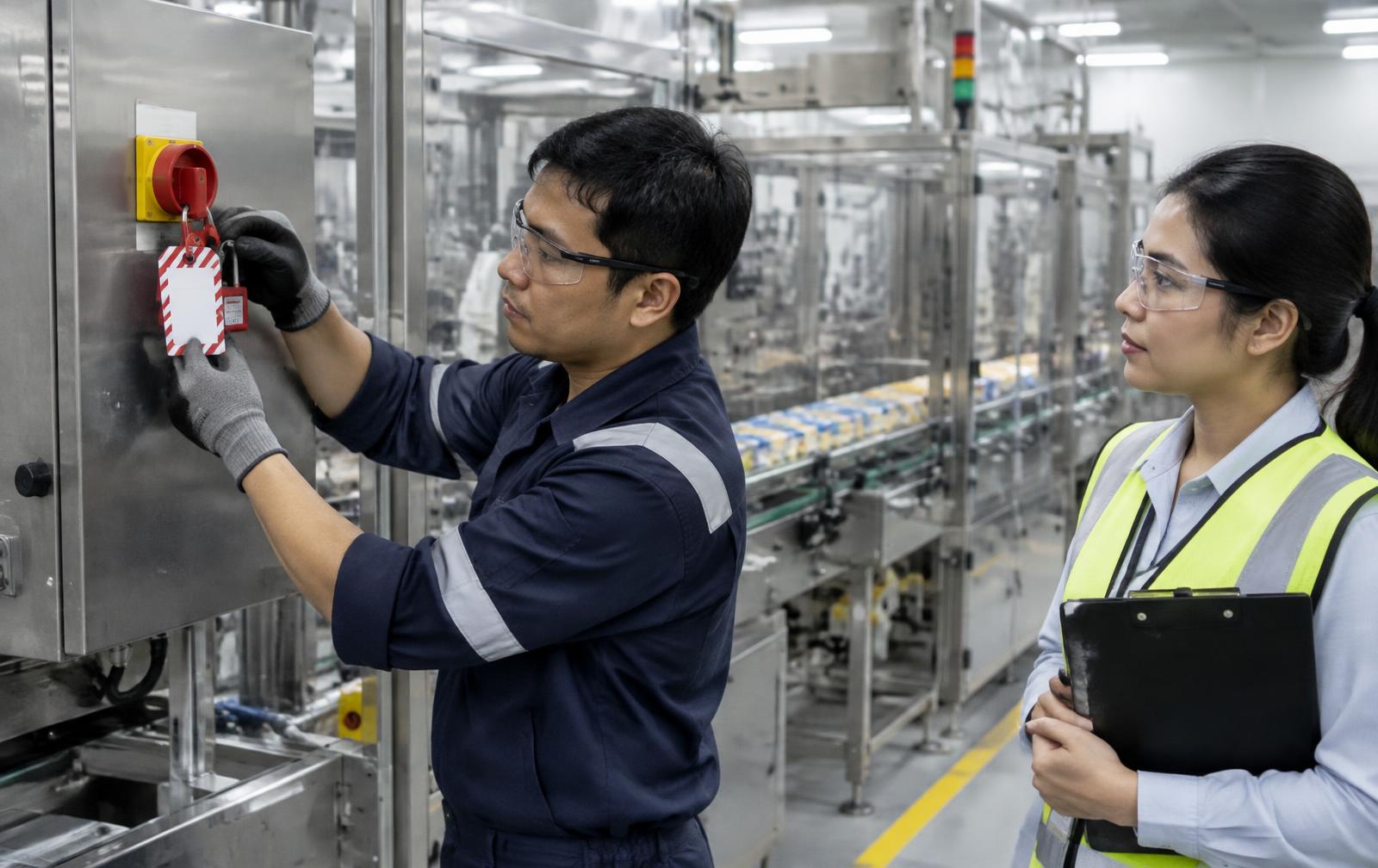
Paper LOTO tags and spreadsheets of certificates cannot show who verified what before the crew started.
With FirstEHS
Only verified crews start work
Contractor competency and fitness status are checked at the gate and carried through shift handover.
Contractor readinessToday
Findings stop at the report
Near misses are logged but actions lose their owner, so the same condition returns on the next shift.
With FirstEHS
Every finding has an owner and a closeout
A report raised on a phone moves through investigation to a corrective action with one named owner.
Incident and CAPAPermit to work
One permit record, from request to closeout
Every step adds its decision and evidence to the same permit, signed by a named person in a defined role. Step through it to see who acts and what gets recorded.
Step 1 of 6
Request
Work party / permit requester
The requester raises the permit against a location, asset and task. The linked JHA and the planned work scope are attached before anyone reviews it.
Evidence captured on the permit record
- Work scope and location
- Linked JHA
- Requester name and time
What the next person sees
The reviewer sees exactly what work is planned, where and by whom.
Hot work · HW-2041
Pipe rack weld repair, Area 3
Step 1 of 6
- 1RequestYou
- 2Assess
- 3Isolate
- 4Verify
- 5Approve
- 6Close
Submit request
Incident to CAPA
Every safety signal has an owner and an outcome
A report raised on a phone moves through investigation to a corrective action with one named owner. The action closes only when someone records evidence that the fix is in place.
- 01
Report
Any worker
Near miss or incident captured on mobile with photos, location and immediate actions taken.
- 02
Investigate
HSE lead
Causes, contributing factors and failed controls recorded against the event.
- 03
Assign
Supervisor
Each CAPA gets one named owner and a due date that supervisors and HSE can see.
- 04
Verify
HSE lead
Closure needs evidence of the fix, and repeat findings are grouped for review.
Corrective action
Add hose inspection to the pre-start checklist
- Owner
- Maintenance planner
- Due
- In 2 weeks
- Evidence
- Revised checklist
Platform
How one work record connects to the rest
Select a linked record to see what it contributes to a single permit. The permit stays the anchor, and each link is visible to reviewers and auditors.
Work record
Hot work permit, pump P-104 seal replacement
Industries
Start from the work you run


FAQ
Questions buyers ask first
See one of your own permits in FirstEHS
A demo is a working session on a permit or incident you bring.
- Bring a permit type or a recent incident
- We walk it through the workflow with your team
- HSE, operations and IT or procurement can all ask questions